Instructions for connecting to the exam
1) Go to https://mag.exam.msu.ru
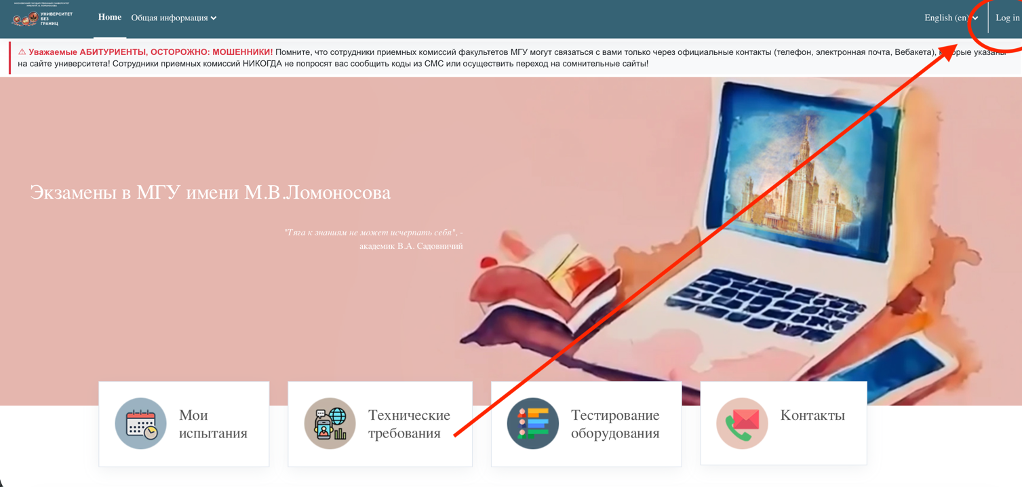
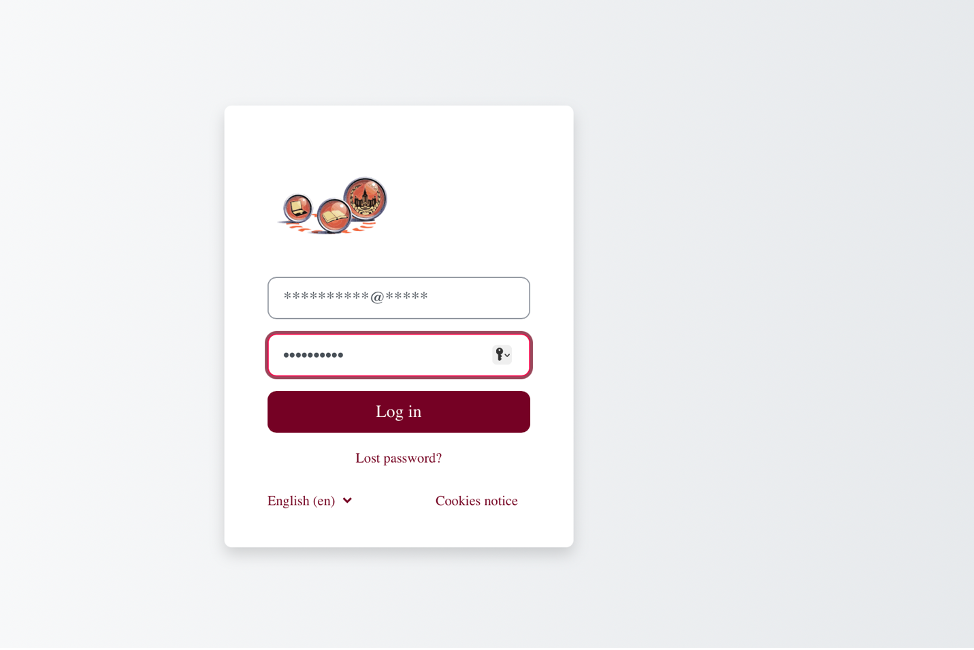
2) 2) Log in to the website using the username and password sent to your email address earlier.
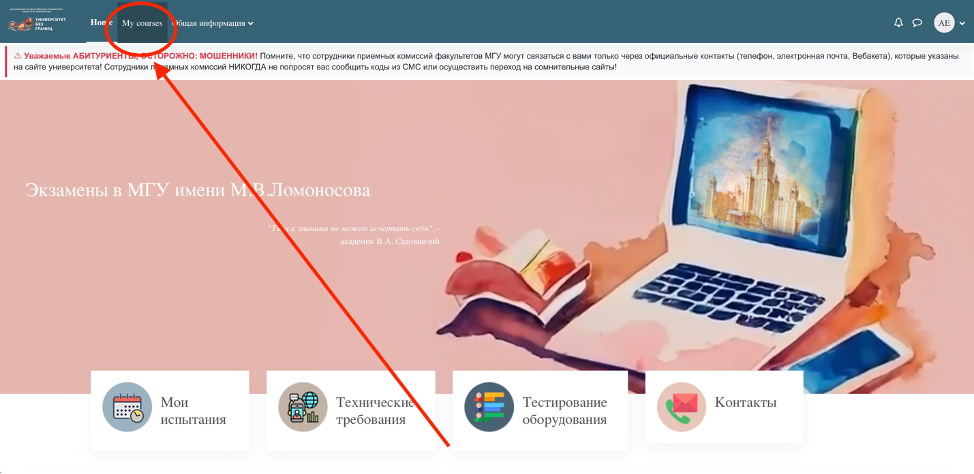
3) On the website, go to the "My Courses" tab at the top.
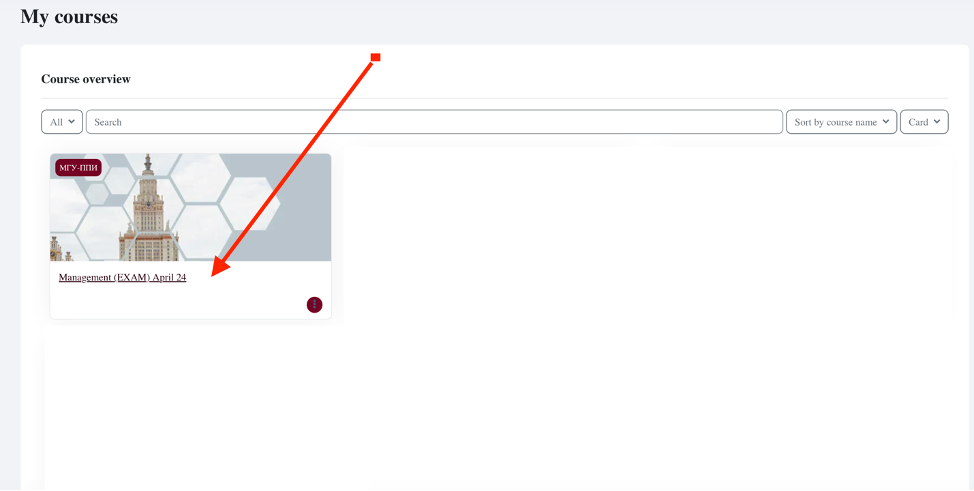
4) Click on the "Management (Exam)" course.
5) Carefully read all connection instructions in advance and check the equipment in the testing room.
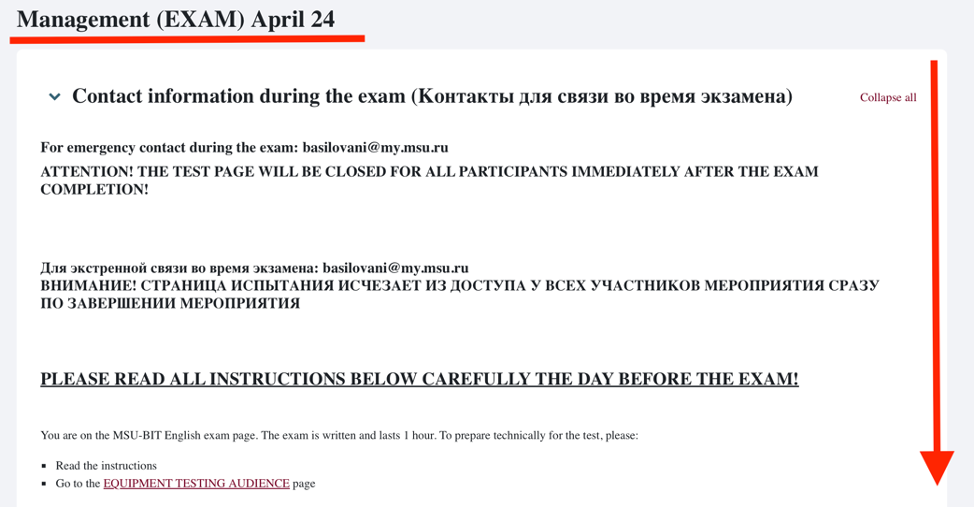
6) The exam will begin on April 24 at 1:00 PM (8:00 AM Moscow time)! To connect to the exam, click the "Exam Room" button and then "Join Session."

7) You will need to upload your exam answer using the "Task and Answer Upload" button.

Important! Applicants, please
read all instructions on the web site carefully! If you are unable
to properly configure your computer for the exam (webcam, microphone, and video
sharing then you will not be able to take part in the exam!